

Frisco, TX · Stonebrook Pkwy
Kids Coding & Robotics Classes in Frisco
After-school classes for ages 5 to 14. They build real games and robots, and learn to solve problems on the way.
Book a free sessionSee what they build
★★★★★5.0 on Google·ISTE Seal of Approval
1Find their program
How old is your ninja?
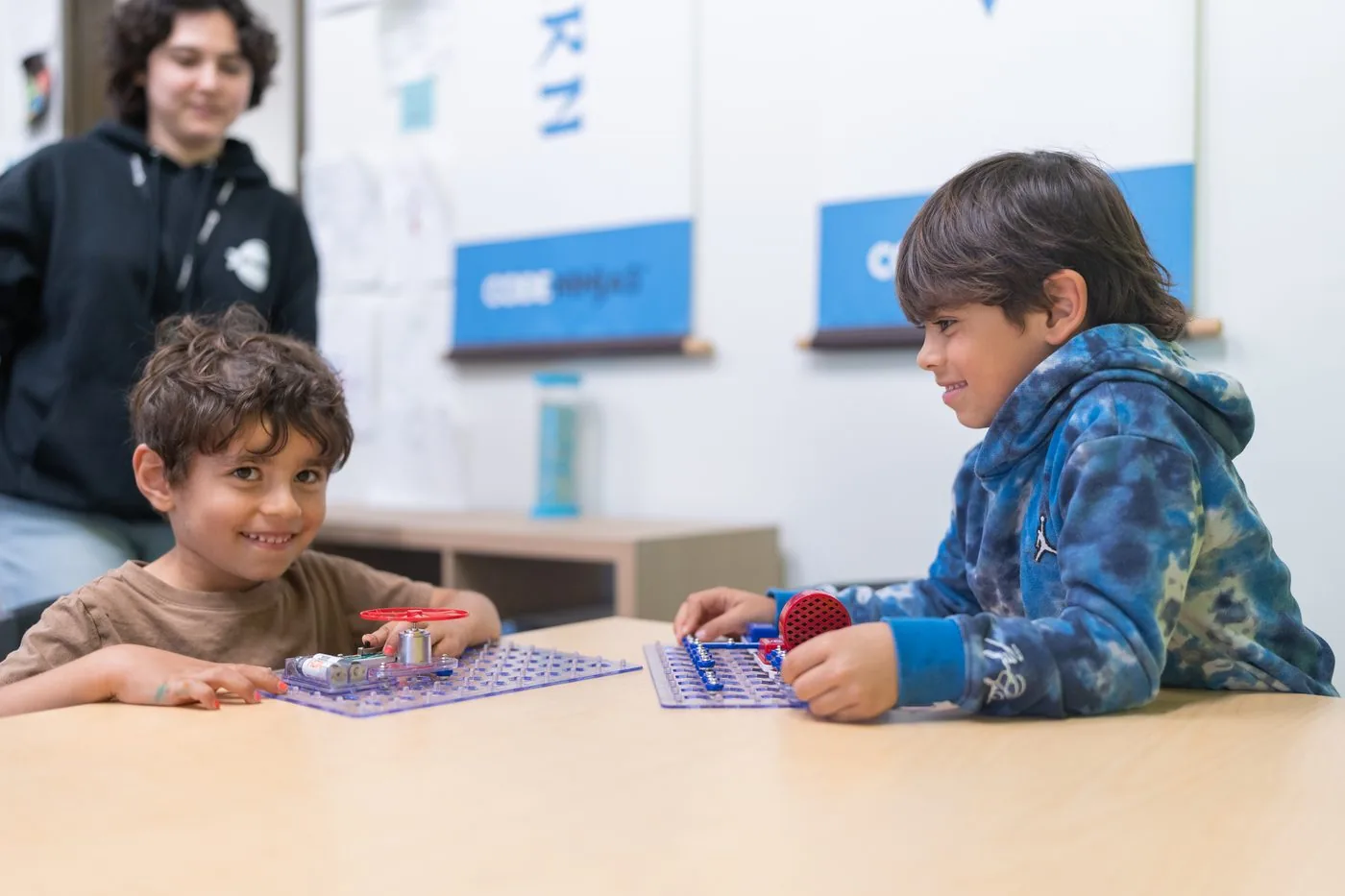
 Ages 5-7JuniorSequencing, loops and cause-and-effect before they can read a line of code. Half of it happens away from a screen.See Junior
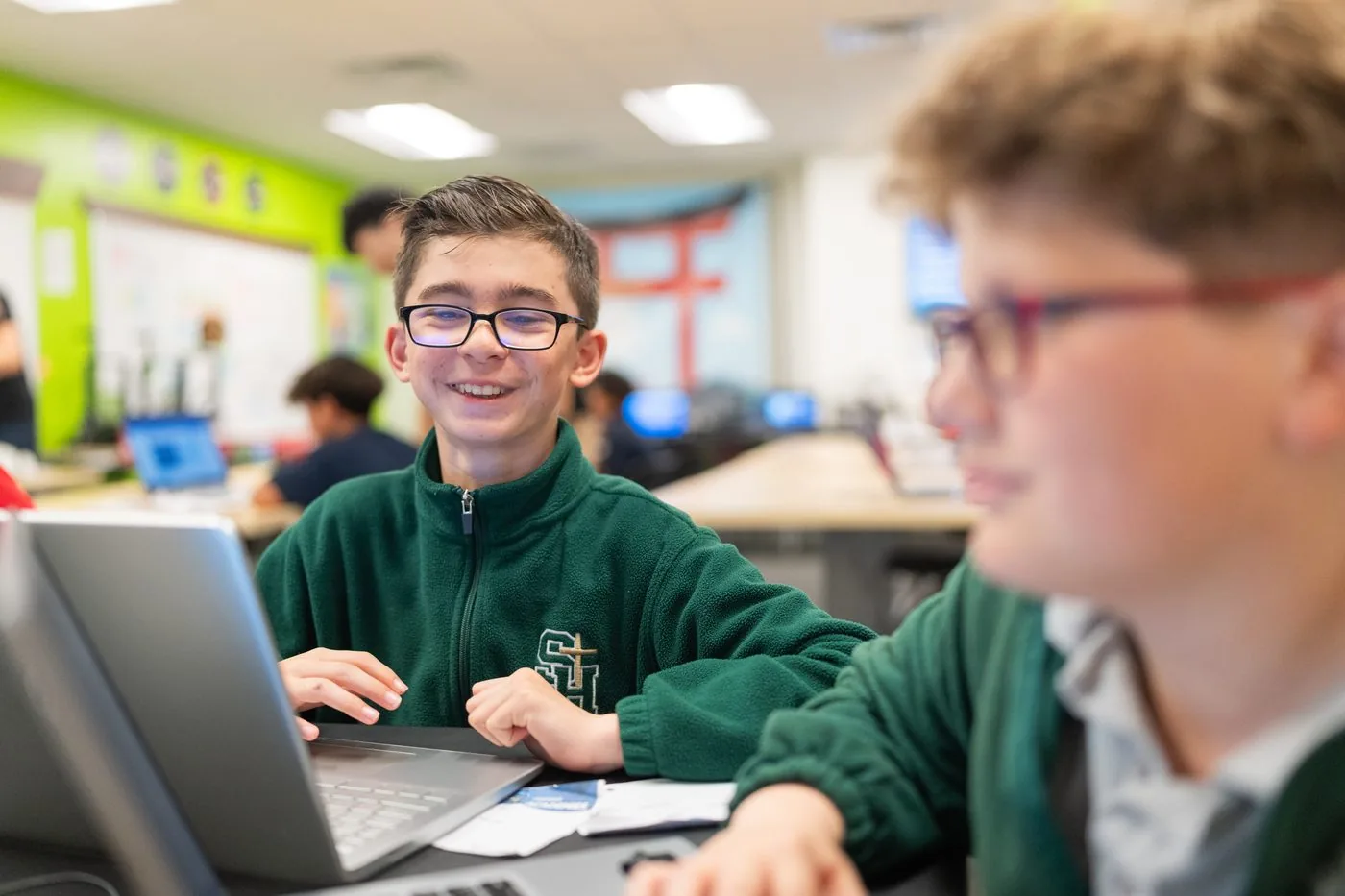 Ages 8-14CreateBuild real video games from the first session - and keep them. Nine belts take them from drag-and-drop blocks to typed JavaScript.See Create
Then add one alongside
2See how it feels
Build a game right here
Tap the blocks to add them to your program. The game does only what you tell it, which is the first thing every ninja learns.
Blocks
Your program














You just built a game. Your ninja can build their first real one with a sensei.
Book a free sessionThat is the JavaScript your blocks make. Around Blue Belt, ninjas stop dragging and start typing it.
Book a free sessionThis is the first thing they build, with a sensei beside them.
3Watch them climb
Nine belts. A clear next step.
Tap a belt to see what it teaches.
White Belt
Four levels that go from getting something to appear on screen to writing a named piece of code that reacts to what the player does - the shape of every program they will write from here.
- 1Computer science
Writing a first program, and getting something to appear and move on screen.
- 2Sequence
Putting instructions in an order, because the same steps in a different order give a different result.
- 3Events
Code that waits for something to happen - a button pressed, an edge reached - instead of running straight through.
- 4Functions and parameters
Naming a piece of code so it can be reused anywhere, and changing how it behaves by the values handed to it.
Yellow Belt
The four things every program is built from: storing a value, repeating work, choosing between paths, and making the result move and sound like something.
- 1Variables
Storing a value that changes while the program runs - a score, a number of lives - so the program can keep track of it.
- 2Loops
Code that repeats, so one instruction can do a job many times instead of being written out again for each one.
- 3Conditionals
Choosing between paths: if this is true do one thing, otherwise do another.
- 4Animation and sound
Changing what is on screen and what is heard over time, and tying both to what is happening in the program.
Orange Belt
The belt where code stops describing one thing and starts working over data - a world held as a grid, values held in a list, and one function reused with different values.
- 1Modeling a world as data
Describing a place as a grid, so the rules about where you can and cannot go live in data rather than being written into the code.
- 2Events and timing
Code that runs when something begins, ends or runs out of time, rather than when a person presses a key.
- 3Lists and input
Holding many values under one name instead of a separate name for each, and using what the person typed in.
- 4Looping over a list
Running the same code a set number of times, or once for every item in a list.
- 5Functions and parameters
Reusing one named piece of code from several places, and handing it different values each time so it behaves differently.
Green Belt
Making a world behave by rules rather than by instructions: motion with real acceleration, conditions combined with AND and OR, and values that rise and fall as it is played.
- 1Physics and motion
Movement described by acceleration and velocity rather than fixed steps, so things speed up, fall and land the way they do in life.
- 2Boolean logic
Combining conditions with AND, OR and NOT, so a rule can depend on more than one thing at once.
- 3Nested loops
A loop inside a loop - which is how grids, rows and repeated patterns get built without writing each one out.
- 4Calculated positions
Working out where something goes by calculation instead of fixing it by hand, and using code libraries written by other people.
- 5Tracking state over time
Keeping a value that rises and falls as the game is played, and showing it on screen so the player can see it.
Blue Belt
The belt where blocks become a language. Everything learned so far, retyped as real JavaScript - where a missing bracket or a single = instead of == is the whole difference between working and not.
- 1Writing code as text
Moving from snapping blocks together to typing real JavaScript, where spelling and punctuation have to be exact.
- 2Properties and comments
Setting the attributes that describe an object, and leaving notes in the code that explain it to whoever reads it next.
- 3Grouping code
Putting lines together so they run as one unit, which is what makes larger programs readable.
- 4Nesting and branching
Putting one group of code inside another, and branching with if and if/else so the program can go more than one way.
- 5Assignment and equality
The difference between giving a value to something and asking whether two values match - one of the most common sources of bugs in any language.
- 6Comparing and combining
Comparing amounts, and combining the answers, to decide what happens next.
Purple Belt
Organizing a program big enough to need organizing: grouping objects by type, holding data in lists and lists of lists, and splitting the work into named functions that can see only what they should.
- 1Types and namespaces
Sorting things into kinds, so one rule covers every object of that kind instead of being repeated for each.
- 2Counting loops
Counting through a range, up or down, to repeat work a known number of times - and nesting them to build a grid.
- 3Arrays
Storing a list under one name and reaching any item in it by its position.
- 4Working with lists
Building lists up as the program runs, putting lists inside lists, and searching them for a match.
- 5Functions and scope
Reorganizing working code into named pieces, and knowing which parts of a program can see which values.
- 6Libraries and branching stories
Layering movement, sound and player choice, using extensions other people wrote rather than building everything from scratch.
Brown Belt
The longest belt, and the one where design joins coding. Half of it is logic - tiles, state, extensions - and half is craft: pixel art, animation, a consistent set of assets, and screens that make sense to a player.
- 1Organizing a project
Keeping the pieces of a larger project in order, and placing things by coordinate rather than by hand.
- 2Making a world react
Tiles that block the way and tiles that lead somewhere else, so the world responds without the code naming every case.
- 3True/false state
Storing a yes-or-no answer and using it to control what the program allows next.
- 4Editing assets
Changing existing artwork so several scenes share one consistent look.
- 5Pixel art
Color, outline, shading and dithering - the craft of making a very small image read clearly.
- 6Designing a set
A pack of images that work together: one palette, one theme, and a character drawn from several points of view.
- 7Animation
Rotating, bouncing and walking - the techniques that make a still image feel alive.
- 8Building terrain
Designing original tiles and building a world out of them.
- 9Interface and experience
What the player sees first, the choices they are offered, and how the game tells them what is going on.
- 10Extending the tools
Reading and writing individual pixels, and adding minimaps, timers and a 3D view using extensions.
Red Belt
Two complete games, built start to finish rather than one technique at a time, and judged on how they play as much as on how they are coded.
- 1A project end to end
One complete game - physics-driven movement, a status display and navigation between levels - rather than a single technique.
- 2Systems in a game
Timed waves, an in-game economy to spend and earn, and the screens that frame the whole thing.
Black Belt
Their own project, start to finish: planned before a line was written, designed, built, playtested by other people, and revised on what those people found.
- 1An original project
Their own idea, planned, built, playtested and revised, using everything from White Belt onwards.
Book a free sessionEvery ninja starts at White Belt, whatever their age.
4Stay in the loop
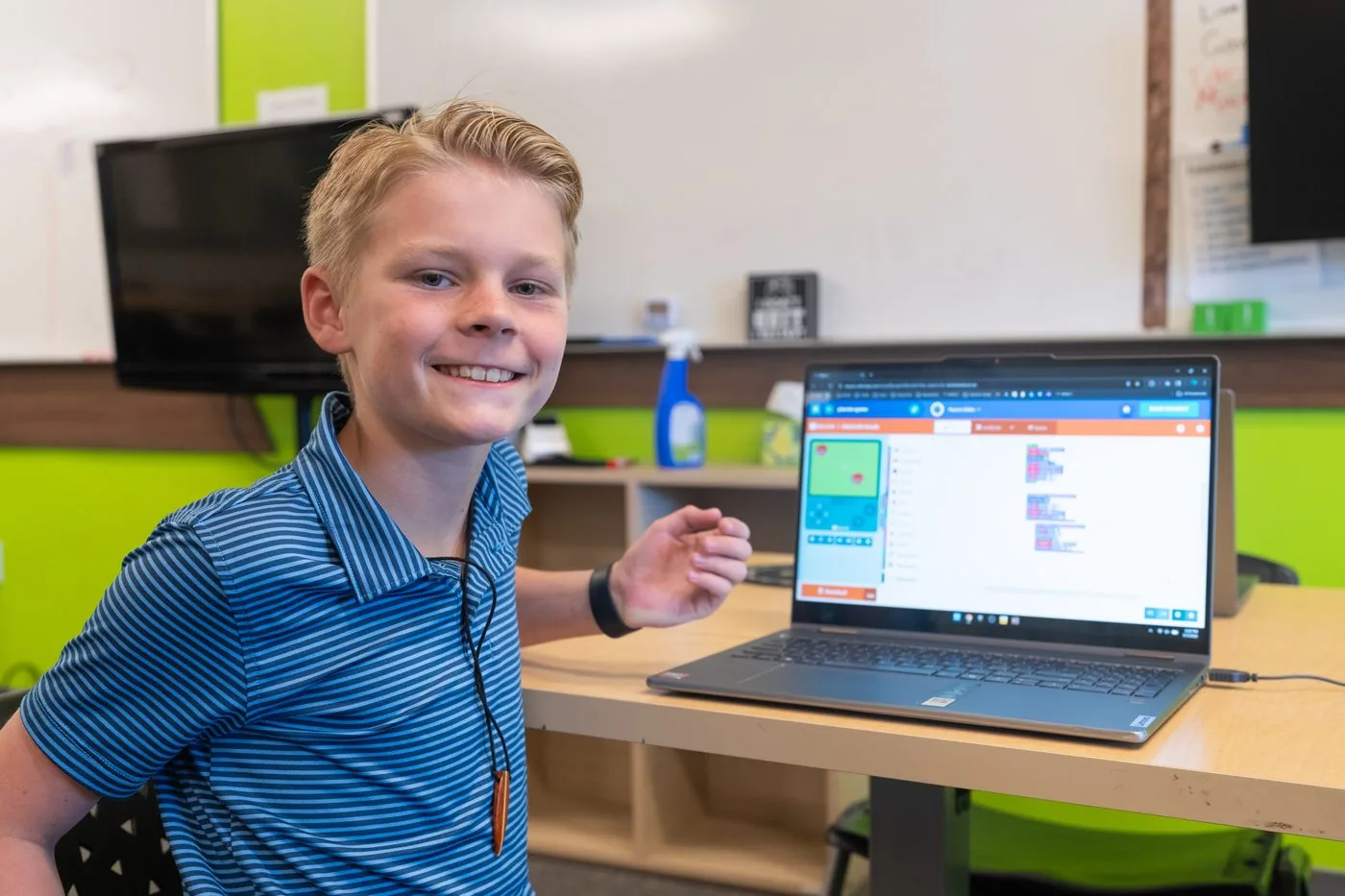
You see what they did, in their sensei’s own words
The project, the idea behind it, and a question worth asking at dinner.
“Today Maya spent the session on The Wizard’s Mystic Toadstools, creating sprites with random functions to control where they spawn on screen. She is getting a solid grasp on how randomization works in game development, and how to use it to make gameplay feel less predictable.”
Sensei Abhinav · Yellow Belt, Level 3
5Hear it from parents
What parents say
“… they didn't make him sit through things he already knew. They met him where he was …”
“… it is easy to fit it into our lifestyle, and it has become our favorite learning experience.”
“… he’s become comfortable and confident with using the keyboard and mouse …”
★★★★★ 5.0 · 21 Google reviewsRead all of them on Google
Book a free sessionSee it for yourself. The first session is free.
6Or start in a school break
What is on next
Each break has its own page with the dates and the camps running.
The questions parents ask us most
If AI can write code, is this still worth learning?
Yes, and the case for it is on our programs page. The short version: a model produces code that looks right, and the valuable skill is being able to tell whether it is. Beyond that, most of what a child practices here is breaking a problem into steps, being precise and understanding why something worked the way it did. Those habits stay useful wherever they end up.
Are we locked into a contract?
No. You can cancel any time, with 30 days' notice before your next payment. Longer terms are cheaper and waive the $99 registration fee, but they are optional and they roll on month to month afterwards rather than renewing for another full term.
Is this just more screen time?
It is time at a screen, but making something rather than watching something. Ninjas build games they can play and hand to someone else, and for ages 5 to 7 a good part of a session happens away from the screen altogether.
Why not just use free coding tutorials at home?
Plenty of children start that way and it works well. What a session here adds is a sensei who spots the mistyped bracket over their shoulder, catches the moment it stops being fun, and knows exactly what to hand them next. Nine belts and 43 levels of it, so there is always a next thing to build.
Is it self-paced, or is someone actually teaching?
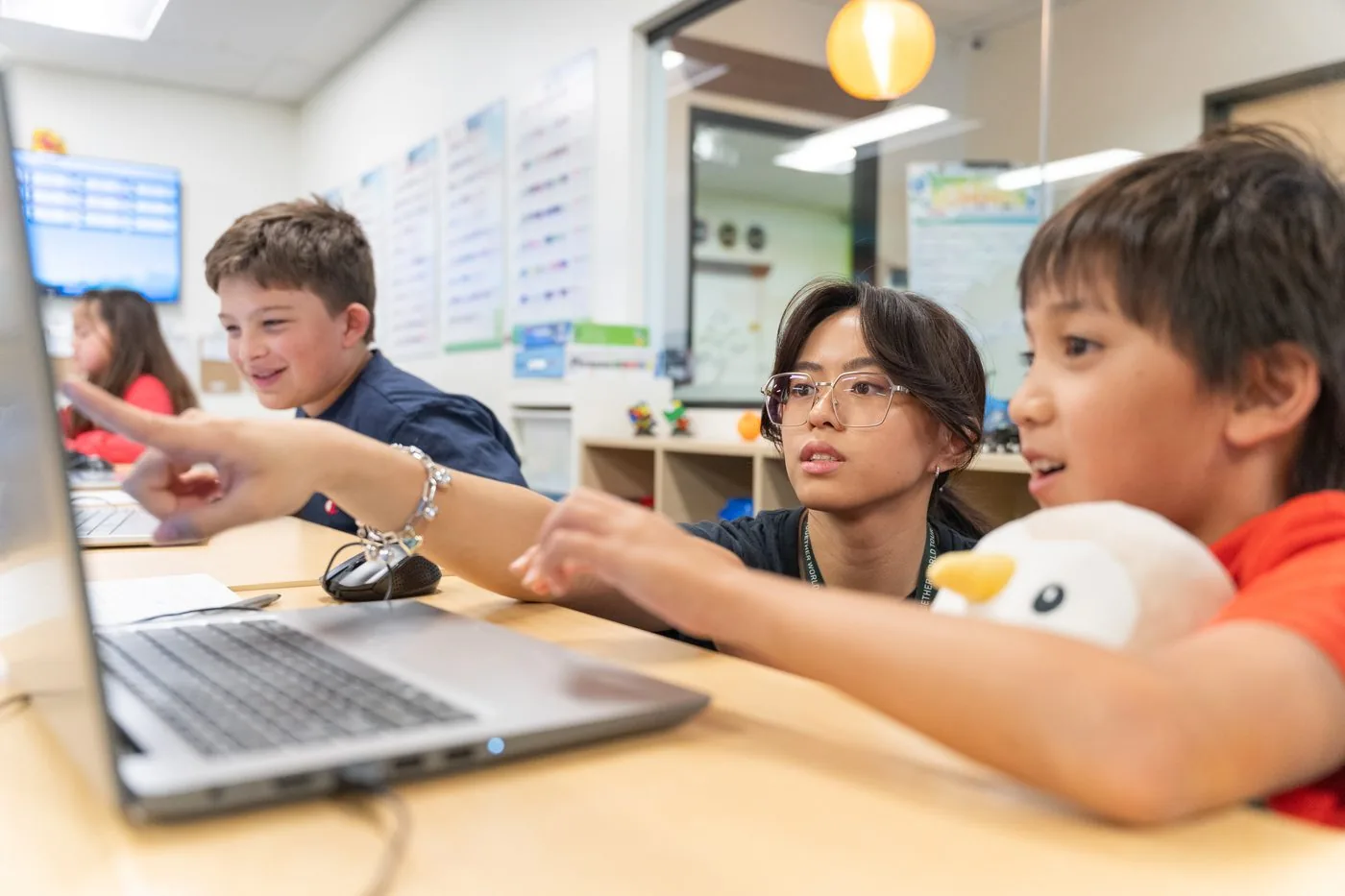
Both, deliberately. Each ninja works at their own level, so a quick one keeps moving and a careful one gets the time they need. A sensei is beside them the whole session, and the help is usually a question that gets them to the answer themselves. That is what keeps them climbing once the early levels are behind them.
What happens when my child gets stuck?
That is the part of the session that matters most. A sensei works through it with them - what did you expect to happen, what happened instead, where do those two part company. Finding your own bug is the skill the whole curriculum is built on.
How will I know they are making progress?
Three ways. Belts and levels, which are visible and earned rather than given. A note from their sensei after sessions where there is something worth telling you. And a progress page you can open any time, showing every project they have built.
My child has never coded. Will they be behind?
No. Every ninja starts at White Belt whatever their age, and the first project assumes nothing at all. Children who arrive already coding move faster through the early levels rather than skipping them.
Where are you, and is it close to us?
We are on Stonebrook Parkway in Frisco, near FM 423, about 9 minutes from Little Elm and 10 from central Frisco. The Colony and Prosper are a short drive too, and after-school sessions start at 4pm.
What if it turns out not to suit them?
The first session is free, so you can see it before paying anything. After that you can cancel any time, giving 30 days' notice before your next payment. Longer registrations cost less and are entirely optional - monthly is a perfectly normal way to join.
Build their first game this week
A free 45-minute session with a sensei beside them.
Open Monday to Thursday 4-7pm and Saturday 10am-2pm.