
summer camp · ages 8 and up
HTML & CSS Web Development Camp for Kids in Frisco, TX
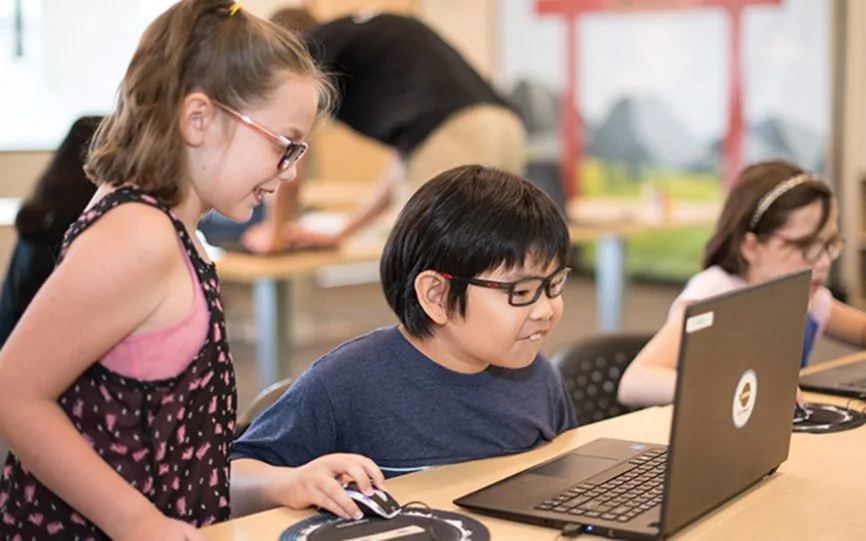
Ninjas will gain a foundational understanding of HTML, CSS, and JavaScript. They will learn how to use these languages together for website development. Throughout the camp, they will get to work together on various project prompts and work on their own website to present at the end of the week.
- HTML
- CSS
- JavaScript
In the camp
What they do
The projects they work through in the camp, one at a time.
A page with real structure
Headings, paragraphs, ordered and unordered lists, written as HTML in CodePen and showing up in a browser straight away.
A stylesheet of their own
CSS selectors, properties and values - and the first time a rule later in the file overrides one earlier, which explains the C in CSS.
IDs and classes used properly
One id for one element, one class for a set of them, which is the idea the rest of the web rests on.
A site about something they care about
The topic is theirs. By the end it is structured, styled and has JavaScript doing something on the page.
The concepts behind it
What they are actually learning
The camp is the reason they turn up. These are the ideas they use to do it, shown the way they meet them, and they are the same ideas behind any programming language they pick up later.
Elements and structure
<h1> a heading </h1><p> a paragraph </p><ul> <li> a bullet </li> </ul>HTML says what a thing IS, not what it looks like. A heading is a heading because of the tag around it.
Selectors
h1 { font-size: 20px; }#intro { ... } one element.bodyText { ... } a setCSS points at an element and changes it. A hash for one thing, a dot for a group - the distinction a lot of people never get taught cleanly.
The cascade
p { color: blue; }p { color: red; }the paragraph is redRules apply in the order they are written and later ones win. It is the single most confusing thing about CSS and it gets taught on day two.
What they leave with
By the end of camp
Taken from the camp's own curriculum, not written for this page.
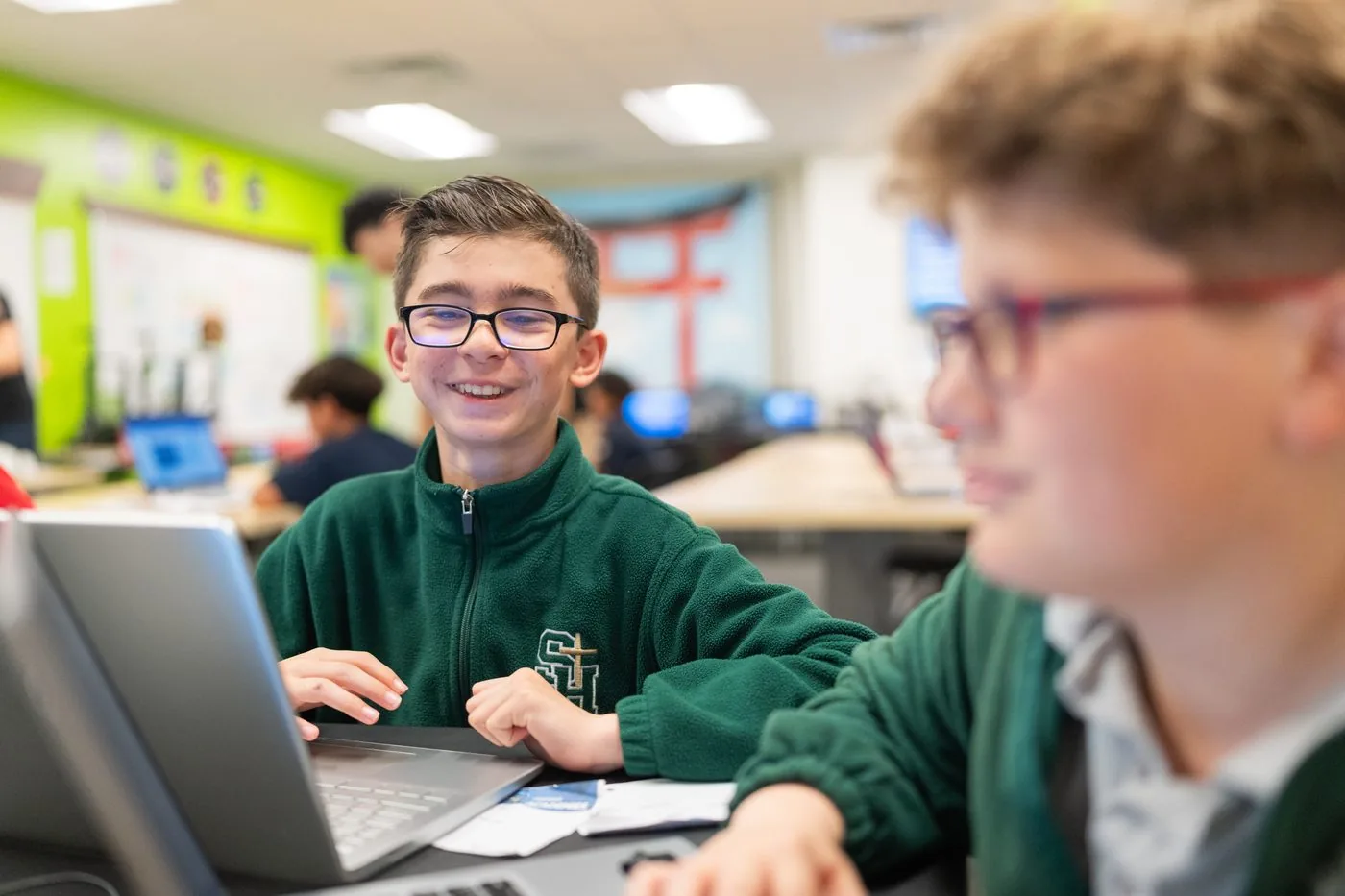
- Designed and developed their own website using HTML, CSS, and JavaScript
After camp
Loved our camp? Keep building all year.
Create is our core coding program, where a ninja builds real games in JavaScript and works up through the belts. The first session is free, so they can try it before you decide.
Before you ask
Common questions
Do they need to install anything?
No. Everything is built in CodePen in a browser, so the work follows them home without a setup.
Is it real code?
Yes - typed HTML, CSS and some JavaScript, with angle brackets, semicolons and all. No blocks.
What will the site be about?
Whatever they pick. The camp supplies the structure and the techniques; the subject is theirs, which is why nobody finishes with the same site.
What if they get stuck on a typo?
They will, and that is part of it. Typed syntax is unforgiving - a missing bracket breaks the page - so a sensei sits with them and reading an error becomes a skill rather than a wall.
Also at this studio
 Ages 8+
 Ages 8+
 Ages 8+