
summer camp · ages 8 and up
Mobile App Design & Coding Camp for Kids in Frisco, TX
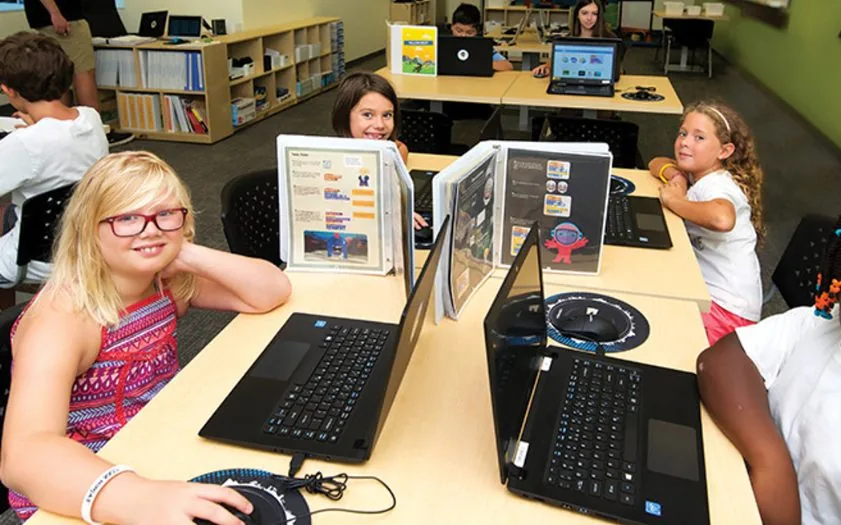
In this camp, ninjas will explore app development, learning to create engaging applications by building their first simple projects, adding interactive features, and applying real-world functionalities.
- App builder
- Emulator
In the camp
What they do
The projects they work through in the camp, one at a time.
A drawing app
A canvas that follows a finger, drawing a line between where it was and where it is now. Then they change the color, the shapes, the background.
A ball-bounce app
Flung with a swipe, moving at the heading and speed the gesture gave it, bouncing off the edges.
Interfaces they design
Screens laid out before the code goes in, because an app is a thing people have to be able to use.
An app in the AppJam
The finish: their own app, their own idea, built across the last part of the week and shown to the room.
The concepts behind it
What they are actually learning
The camp is the reason they turn up. These are the ideas they use to do it, shown the way they meet them, and they are the same ideas behind any programming language they pick up later.
Events
when Canvas1.Draggeddraw a linewhen Ball1.Flungset heading and speedPhone apps are almost entirely events. Nothing runs until somebody drags, taps or flings something.
Parameters
DrawLine(prevX, prevY, currentX, currentY)The drag event hands the code four numbers - where the finger was and where it is. Using them is what turns a gesture into a line.
Properties
Ball1.Heading = get headingBall1.Speed = get speedCanvas1.BackgroundColor = chosenEvery component on the screen has values you can read and set while the app is running.
What they leave with
By the end of camp
Taken from the camp's own curriculum, not written for this page.
- Created exciting, interactive apps
- Designed unique app features
- Learned basic coding principles
- Built confidence in app development
After camp
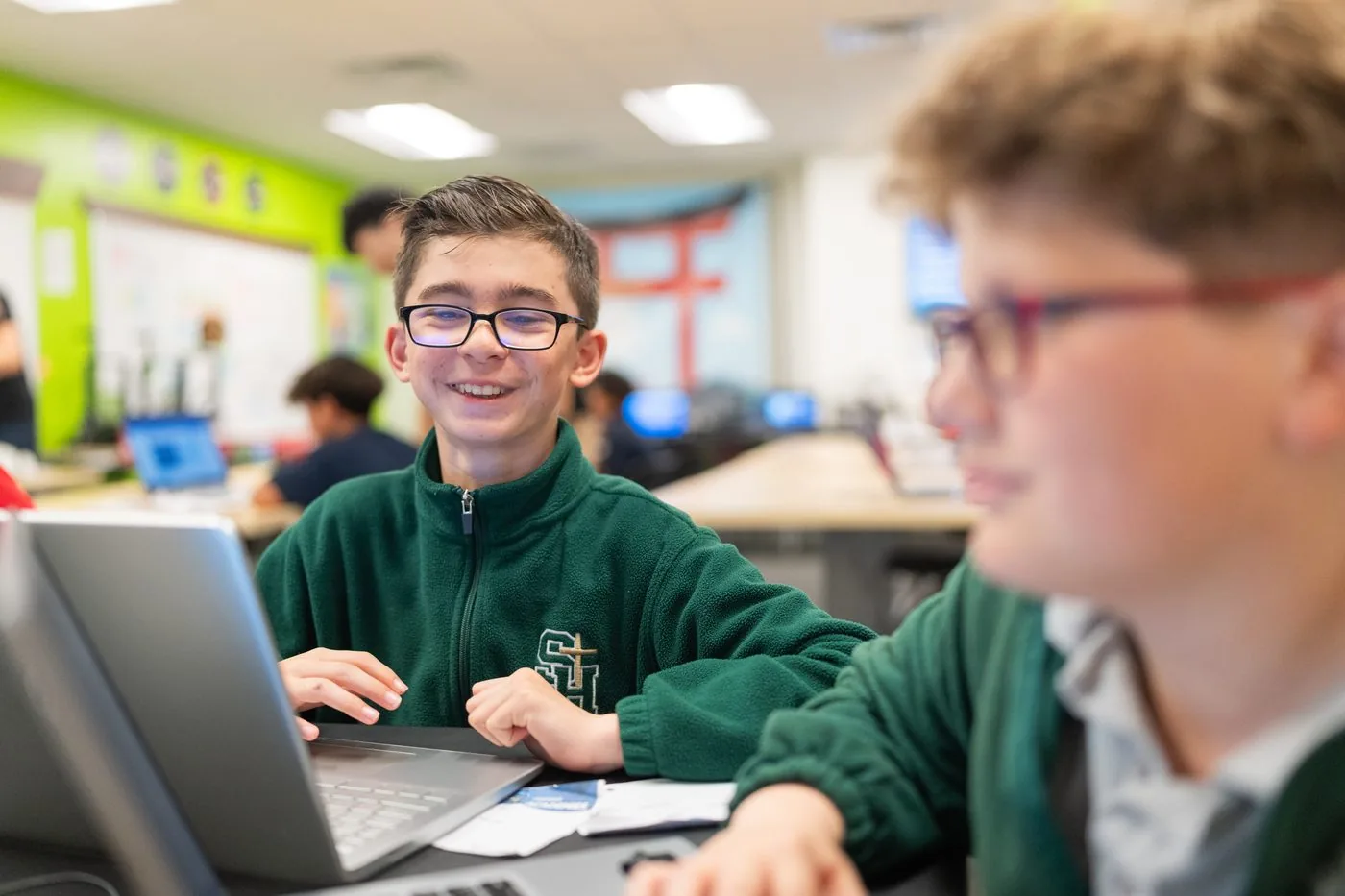
Loved our camp? Keep building all year.
Create is our core coding program, where a ninja builds real games in JavaScript and works up through the belts. The first session is free, so they can try it before you decide.
Before you ask
Common questions
Do the apps run on a real phone?
They are built and tested in MIT App Inventor, which runs in a browser and can preview on a device. The projects stay in their account afterwards.
Is it like Scratch?
Deliberately. App Inventor is also from MIT and the blocks are similar, so a ninja who has used Scratch starts building on day one.
What is the AppJam?
The end of the week: their own app idea, built with everything from the previous days and demonstrated to the rest of the camp.
Will they design as well as code?
Yes, and in that order. The interface is laid out before the blocks go in, because an app nobody can work out how to use is not finished.
Also at this studio
 Ages 8+
 Ages 8+
 Ages 8+